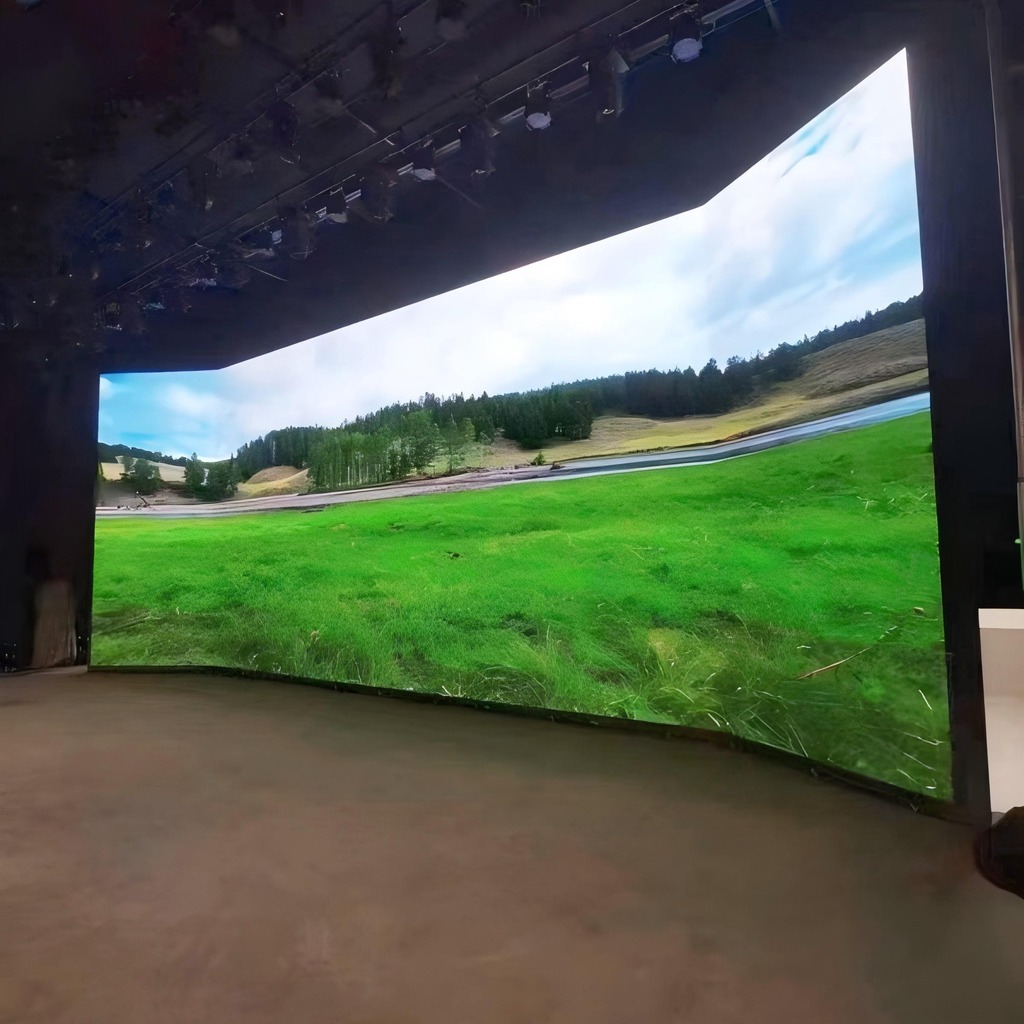
Pixel pitch is the single number that decides whether an LED video wall looks like a broadcast studio or a blurry billboard. It is also the number buyers most often get wrong — either over-specifying a P1.2 wall for a lobby where nobody stands closer than four metres, or under-specifying a P2.5 wall for an operations room where operators sit two metres away and read 8 pt text all day.
This guide gives you the arithmetic, the trade-offs and a procurement checklist we use when specifying walls for control rooms, command centres and public venues.
What pixel pitch actually measures
Pixel pitch is the centre-to-centre distance between two adjacent LED clusters, expressed in millimetres. A P1.5 wall has 1.5 mm between pixel centres; a P2.5 wall has 2.5 mm. The smaller the pitch, the more LEDs per square metre — and the cost rises roughly with the square of the density, not linearly. Halving the pitch quadruples the LED count, the driver IC count and the assembly labour.
Density per square metre is easy to compute: (1000 ÷ pitch)². A P1.5 screen holds about 444,000 pixels per m²; a P2.5 screen holds about 160,000.
The viewing-distance rule that actually works
The industry rule of thumb is 1 mm of pitch per 1 to 1.5 metres of viewing distance for critical viewing, where “critical” means reading text, numbers or map labels rather than watching motion video. For comfortable video and graphics, 2 mm per metre is acceptable.
Two formulas cover most projects:
- Minimum pitch (mm) = closest viewing distance (m) ÷ 1.5 — text and data
- Comfortable pitch (mm) = closest viewing distance (m) ÷ 2 — video walls and signage
A control room where the nearest operator seat is 2.5 m from the wall therefore wants P1.5 to P1.8 for data, and would only need P1.2 if the desks are pushed to 1.8 m. A hotel lobby with a 5 m minimum viewing distance is well served by P2.5.
Pitch comparison for real projects
| Pitch | Best minimum viewing distance | Pixels per m² | Typical application |
|---|---|---|---|
| P1.2 | 1.5 – 2.0 m | ~694,000 | Executive briefing rooms, broadcast studios, close-view command desks |
| P1.5 | 2.0 – 2.5 m | ~444,000 | Control rooms, traffic management centres, high-end meeting rooms |
| P1.8 | 2.5 – 3.5 m | ~309,000 | Operations centres with tiered seating, showrooms |
| P2.5 | 3.5 – 5.0 m | ~160,000 | Lobbies, retail, conference backdrops, museums |
| P4 / P5 | 6 m and beyond | ~62,500 / 40,000 | Outdoor advertising, large atrium signage |
These ranges assume a native-resolution signal with no scaling. If you plan to show a 4K dashboard across a 6 m wall, check the total pixel count first: 6 m at P1.5 gives roughly 4,000 horizontal pixels, which maps 1:1 to 4K. At P2.5 the same wall gives only 2,400 pixels, so 4K content would be downscaled and small text would soften.
Brightness: match the room, not the spec sheet
Indoor control rooms are usually lit to 300–500 lux and need only 400–800 nits, ideally with automatic brightness adjustment across the day. Retail and lobby walls facing daylight need 1,500–3,000 nits. Outdoor walls need 5,000 nits or more with a light sensor.
Over-bright indoor walls are a common and expensive mistake: they wash out dark scenes, tire operators over an eight-hour shift and force contrast ratios down. Ask for a wall that can dim to at least 10% of peak without colour shift.
Refresh rate and scan mode — the camera test
Any wall that will appear on camera — press briefings, hybrid meetings, live broadcast — needs a refresh rate of at least 3,840 Hz, and 7,680 Hz if professional cameras with fast shutters are used. Below that, phone and broadcast cameras capture scan lines and banding that no amount of post-processing removes.
Scan mode matters too. Higher scan counts (1/16, 1/32) improve uniformity and reduce flicker but demand better driver ICs. For camera-facing installations we specify 1/16 scan or better with a high refresh driver.
Cabinet depth, service access and structural load
Front-maintenance cabinets let you replace a module from the aisle without dismantling the wall — essential when the wall is recessed into joinery or mounted on a structural wall with no rear access. Rear-maintenance cabinets are cheaper and shallower but need 600–800 mm of service clearance behind.
Weight is frequently underestimated. Fine-pitch walls run 25–35 kg/m² for the cabinets plus mounting steel; a 6 × 2.5 m wall can exceed 500 kg. Confirm the slab or wall fixing capacity with the structural engineer before the wall is ordered, not after.
The signal chain is half the project
A wall is only as good as the electronics feeding it. The chain usually looks like this:
- Sources (workstations, NVR, video conferencing codec, media player)
- KVM or matrix switcher for source selection and operator control
- LED video processor for scaling, layout, multi-window and genlock
- Sender and receiving cards inside the cabinets
Budget for a processor with spare input capacity and at least one redundant output path. In command centres, a failed sending card should never black out the whole wall.
Where projects overspend
Three patterns account for most of the waste we see in tender reviews:
1. Buying pitch for the wrong audience. A P1.2 wall in a lobby is invisible to the visitor standing five metres away — the extra resolution is paid for and never seen.
2. Ignoring content resolution. A very fine pitch wall fed by a 1080p source looks worse than a coarser wall at native resolution, because the scaler has to invent pixels.
3. Skipping the processor budget. Teams spend 90% of the budget on cabinets and then buy a consumer-grade processor that cannot handle multi-window layouts or genlock.
Procurement checklist
- Closest and farthest viewing distance, measured on the drawing
- Required content resolution and aspect ratio at the wall
- Ambient light level in lux, plus any direct daylight
- Refresh rate and scan mode if the wall appears on camera
- Front or rear service access, and the clearance available
- Structural fixing capacity and total wall weight
- Processor inputs, windows and redundancy requirement
- Spare module and receiving-card quantity (typically 2–5% of modules)
Frequently asked questions
Is P1.5 worth the premium over P1.8? If the nearest viewer sits within 2.5 m and reads data, yes. Beyond 3 m the difference is hard to justify outside colour-critical work.
Can I mix pitches in one room? You can, but keep the content resolution and brightness matched, otherwise the eye reads the walls as different quality.
How long does an LED wall last? Modules are typically rated 100,000 hours to half brightness. In an eight-hour-a-day control room that is well over a decade; drivers and power supplies usually need attention first.
Do I need a separate control system? Only if you need multi-window layouts, source switching or scheduled playback. A single fixed source can drive the wall directly through its sending card.
If you are sizing a wall for a control room, command centre or public venue, our team can review your drawing, viewing distances and content plan and return a pitch recommendation with a full bill of materials. See the LED display and digital signage range, the LED video wall system, the control system and video processor, or talk to us about custom integration.