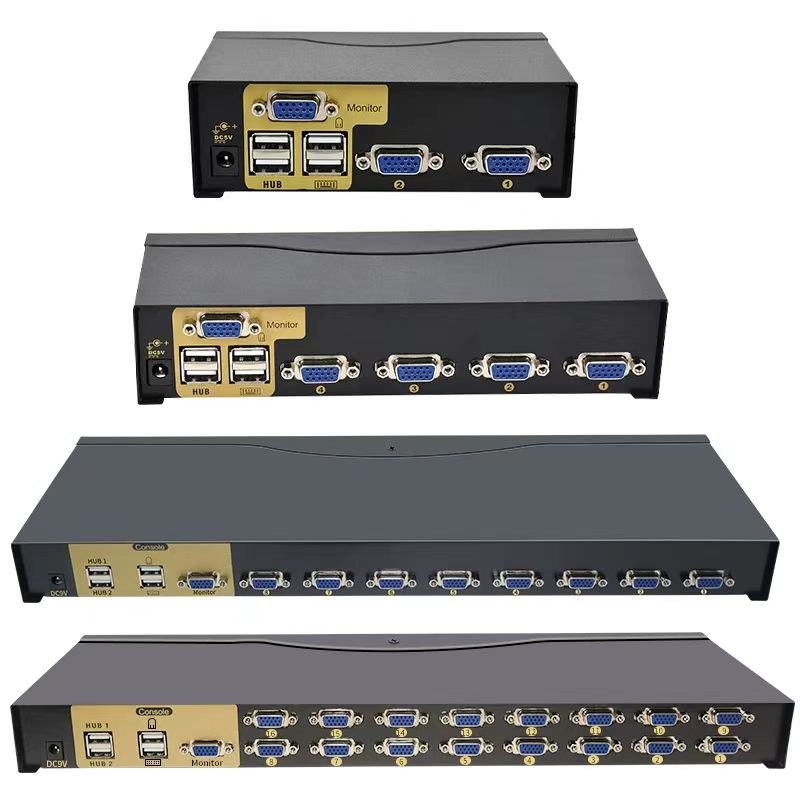
Rackmount KVM Switch
Rackmount KVM with a 1U console drawer, cascade and IP access, for server rooms and control desks.
A rack drawer with a keyboard and a screen is only useful if one console can reach every server in the cabinet. The switch is supplied as a rackmount unit, with the console, the cabling scheme and the hotkey or on-screen switching the operator actually uses.
How it is specified
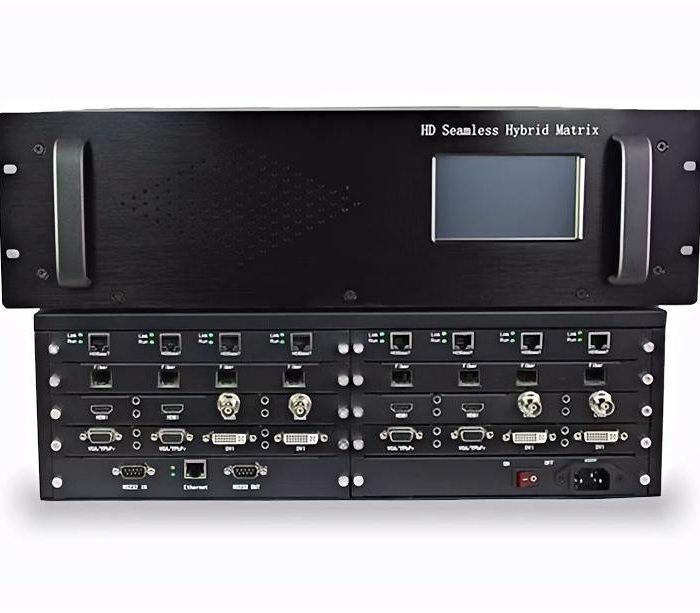
- Port count and connector type: VGA/USB, DVI, HDMI or DisplayPort, with Cat5 extenders
- Cascade or IP access, and whether remote access over the network is required
- Console: 1U drawer with 17 or 19-inch screen and keyboard, or a desktop console
- Resolution at the console and per port
- Hotkey, on-screen menu, push-button or auto-scan switching
- Rack depth, rail kit and the cable sets supplied
Where it is used
- Server rooms and small data centres
- Network and security cabinets
- Control rooms and operator desks
- Broadcast and AV equipment racks
At a Glance
| Product Category | Intelligent AV & Conference Series |
|---|
Other configurations in this range
- Rack Mount Console Monitor — The 1U drawer on its own, for cabinets that already have a switch or only need one local screen.
- KVM Extender over Cat5 or IP — Where the console has to sit away from the rack, extending keyboard, video and mouse over structured cabling or the network.
How to choose
- Count the servers first, then decide whether the operator sits at the rack or somewhere else: local access needs ports and a drawer, remote access needs an IP switch and the network to support it. Cascading is cheaper than a larger switch, but every hop adds a power supply and a point of failure.